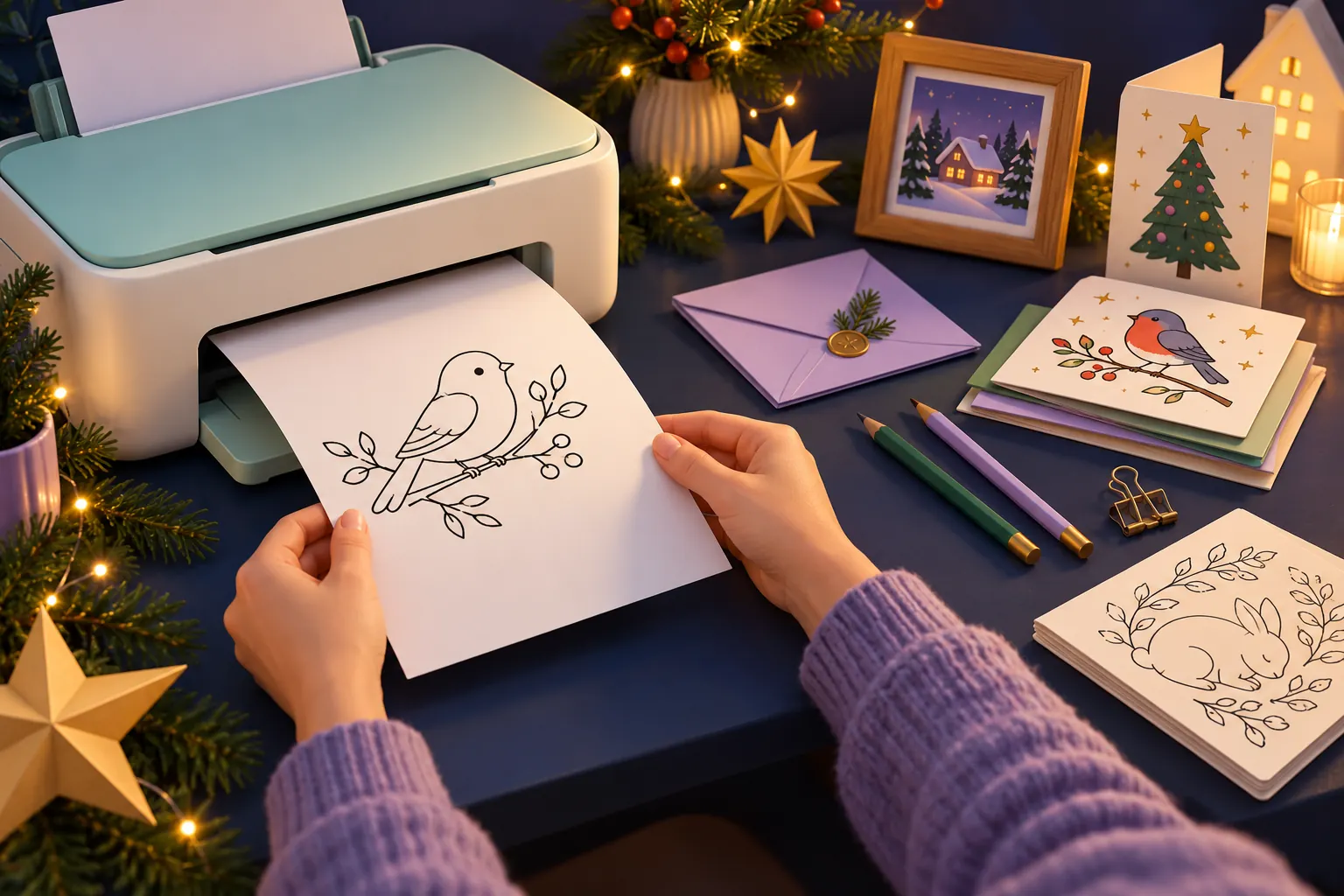
The first job in a home-printer Christmas gift workshop is one sheet. Choose one recipient, open the correct file, print a proof, and check it before committing your paper and ink to the whole project. That small pause can save you from producing thirty pages with a clipped edge or the wrong scale.
This guide is for an ordinary inkjet or laser paper printer you already have access to, not a 3D printer. It does not require a new machine, a cutting system, or a shelf of craft supplies. The useful transformation is from “I downloaded something” to “I have a readable, personal gift ready to give.”
Start with a file that matches the gift and the printer
Our shop connection: Cheap Gifts and jesusgenerationpics share an owner. These are our own optional printables. USD download prices were verified on October 27, 2026; tax and physical production costs are separate.
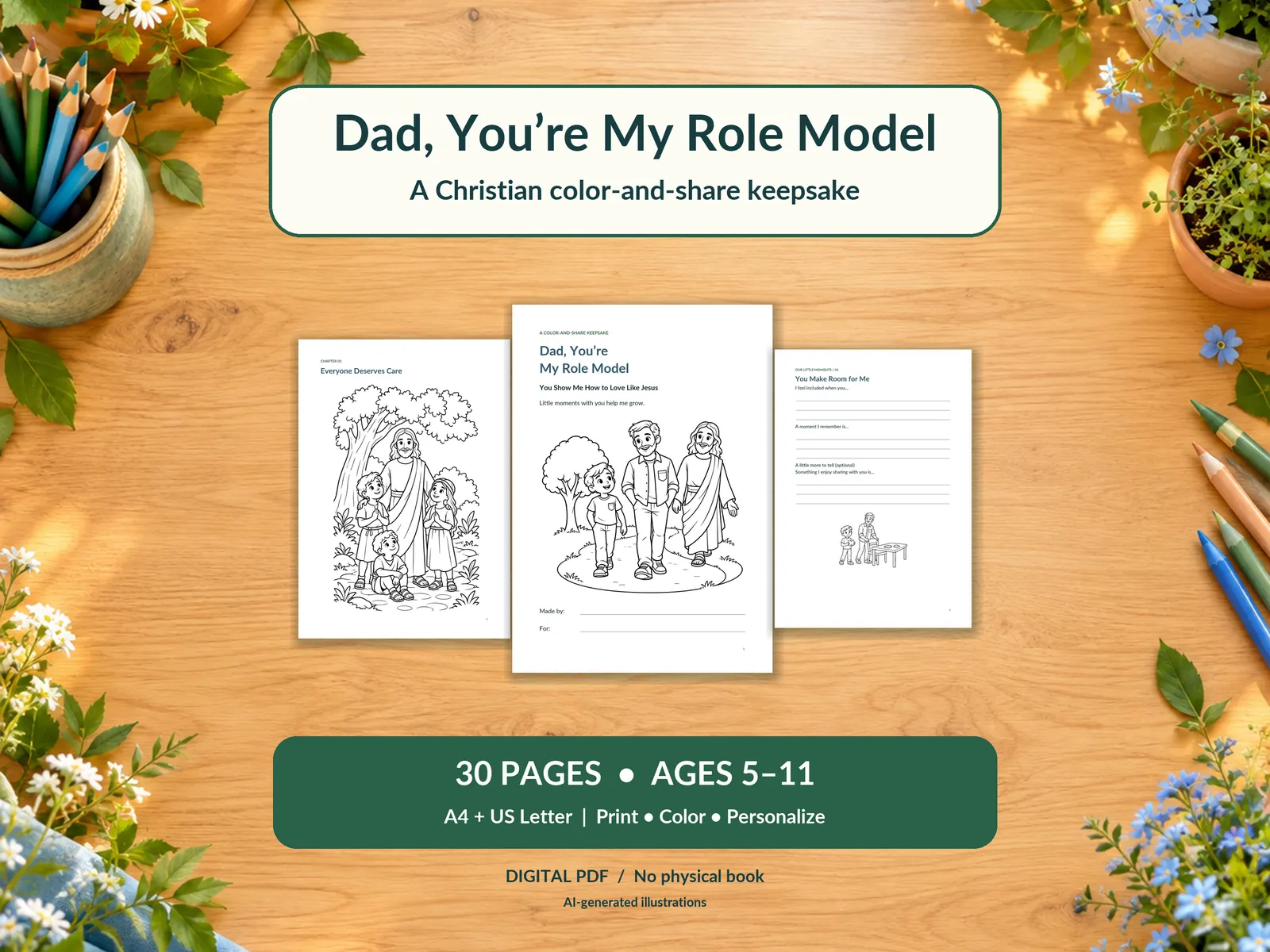
For a child making a small personal present, Dad, You're My Role Model — $2 contains 30 coloring-and-memory pages in A4 and US Letter. It is designed for boys around ages 5–11 and includes Christian content. Those matching small-paper formats are useful for a first project, but you still need to check which paper your printer actually holds.
For a daughter around ages 7–12, My Favorite Memories with You, Mom — $6 provides a different 30-page Christmas memory book, also in A4 and US Letter. It combines personal writing with uncolored illustration, including selected Nativity scenes. Choose a few suitable pages or finish the whole book at your own pace; the download does not provide the child's answers.
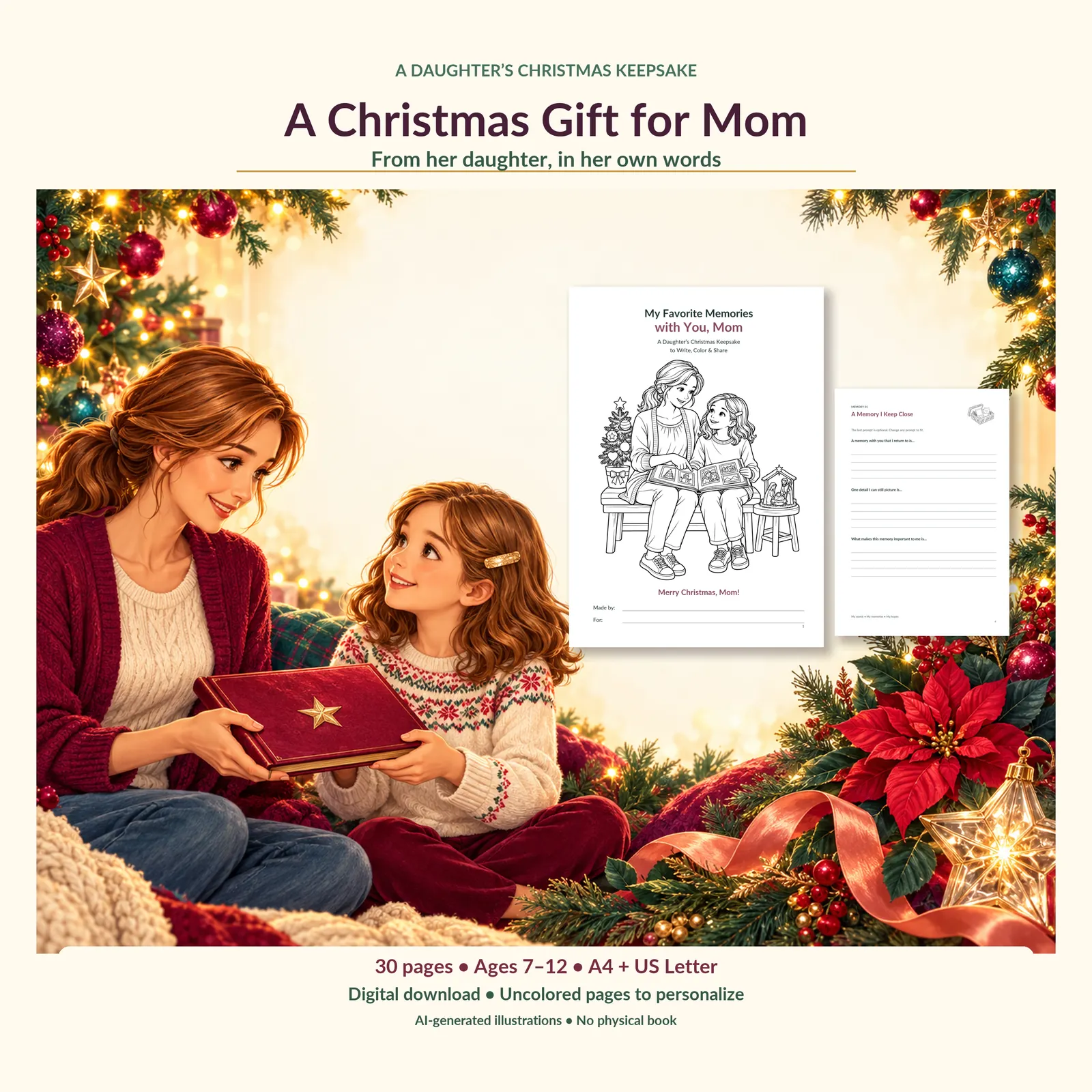
These are print PDFs, not automatically fillable templates or physical books. Check the creator age, relationship, faith content, licence, and paper-size options before buying. Buying a file is only useful if you want the gift it helps you make.
Check what you already have
Find the printer's model number and its own instructions. Check supported paper sizes, paper types, loading direction, and whether a special tray is needed. Heavy cardstock, photo paper, envelopes, and automatic two-sided printing have device-specific limits. An HP media-support page, for example, distinguishes supported media and duplex restrictions for the devices it covers; those specifications should not be copied onto every printer.
For a first coloring or writing gift, ordinary supported paper is a sensible proof material. You can decide later whether another paper is worth buying. Never assume that “thicker” means “better” if the printer cannot feed it properly.
Check your paper quantity and the printer's ink or toner status without starting a large job. Set aside enough paper for a proof and a possible correction. If you have only a handful of sheets, choose a handful-of-sheets project.
A small printing problem, before it becomes a large one
Imagine Jamie preparing four gifts on a shared home printer. A download folder contains several editions, and Jamie opens the A3 file without checking the name. The printer holds Letter paper; the preview at original scale shows only part of the page. Jamie stops and finds the included Letter edition before any sheets are used.
The mismatch is still on screen, so correcting it costs Jamie no paper. That is why file selection belongs before the print run, even when the download contains several attractive editions.
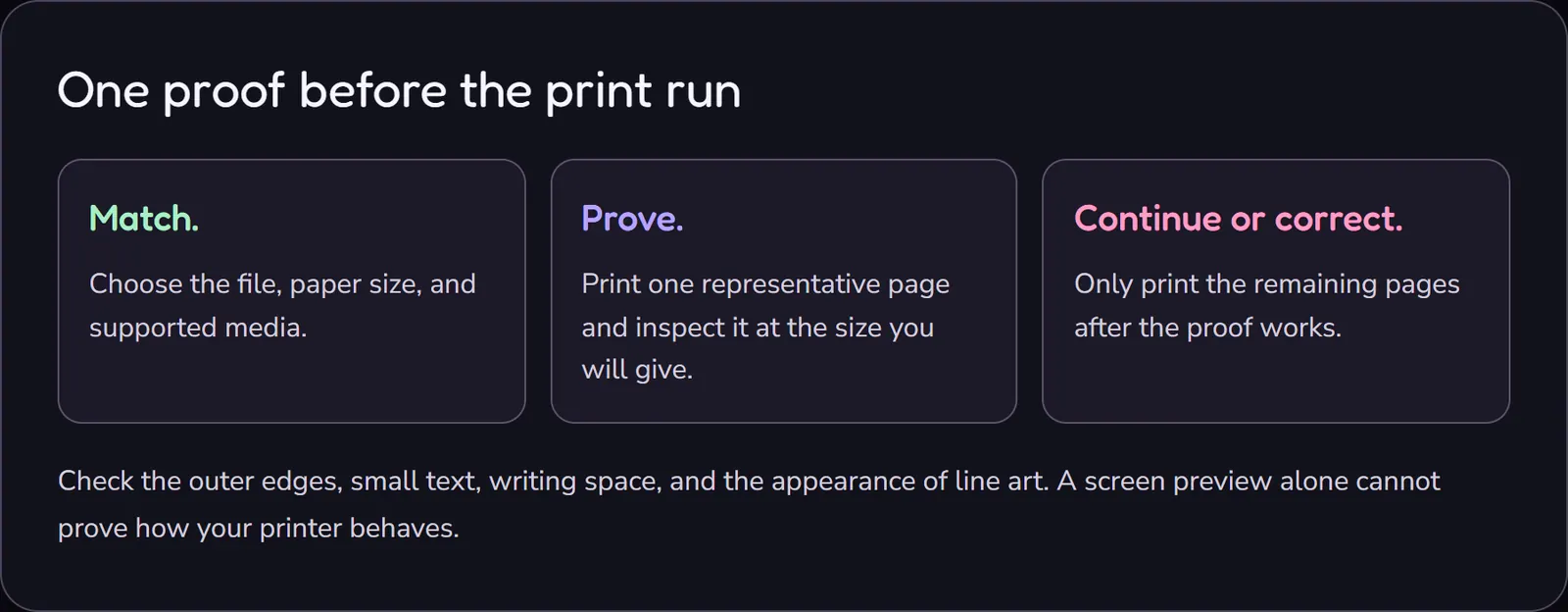
- Match.Choose the file, paper size, and supported media.
- Prove.Print one representative page and inspect it at the size you will give.
- Continue or correct.Only print the remaining pages after the proof works.
Check the outer edges, small text, writing space, and the appearance of line art. A screen preview alone cannot prove how your printer behaves.
View the printing sequence as an image
Understand Actual Size and Fit
The wording varies between applications, but the underlying choice matters. Adobe explains that Actual Size prints without scaling, while Fit resizes the document to the printable area. Actual Size can crop content that falls outside what the printer can print. Fit can make text and writing spaces smaller or larger.
Use the matching paper-size file and the creator's instructions where possible. For a correctly designed home-printable page on matching paper, Actual Size may preserve the intended dimensions. Still check the preview and proof. “100%” is not a magic setting that prevents every clipped edge.
If you must adapt a page to another size, Fit may keep the content on the sheet, but inspect the result carefully. Small labels, handwriting spacing, and decorative lines can become less usable. Do not describe a scaled Letter print as the same physical size as the original A4 design.
Do not choose borderless printing unless the project and printer support it and you understand the result. These keepsake projects are designed to have margins; removing them is not an upgrade.
Open the actual document, not the shop preview
Download the purchased file through the seller's normal process and keep a clear local copy. A listing image is a preview, not the printable master. Screenshots of a preview may include marketing text, reduced resolution, or pages shown at an angle.
If a download contains several files, read their names and any included guide. Separate paper sizes and covers are not necessarily extra unique pages. Keep the original file unchanged so you can return to it if your print settings go wrong.
Before printing, confirm the page range. A PDF may include a cover you want, a guide you do not need in the gift, or pages you plan to complete later. Do not remove useful instructions from your own records just because you do not put them in the finished present.
Count the whole job
A download price is one cost. Paper, ink or toner, corrections, and assembly are others. If you need to buy a whole supply pack, that is the money you need today even if the project uses only part of it.
- Example download
- $2.00
- 10 finished sheets + 2 proof/correction sheets
- 12 sheets
- Assumed all-in printing cost per sheet
- $0.10
- Illustrative printing total
- $1.20
- File plus printing, before tax or assembly
- $3.20
The $0.10 figure is a planning assumption, not a measured printer cost or a promised local print-shop rate. Replace it with your own estimate or quote.
At a print service, ask for the total for your actual file, paper, color choice, page count, and finishing. A low advertised starting price may not cover the option you selected. For a home machine, do not treat a cartridge's purchase price as the cost of one gift unless you genuinely have to buy that cartridge to make it.
Jamie, in our imagined workshop, now prints a single matching-size page. Only after checking it does Jamie decide how many pages to finish. The plan gets smaller before any additional money is spent, rather than after a disappointing full run.
Make the personal part before the fancy finish
Print the pages you want, then write, draw, or color them. Keep the recipient's preferences in mind. A short readable letter may do more than a highly decorated page with no space left for the message.
Use single-sided printing when the product recommends it. If you plan to use markers, test your own paper and put a protective sheet underneath. Ordinary printer paper may let marker ink through. Pencil or crayon offers another route when those are the tools you already have. We have not physically print-tested these projects on your equipment.
Check the page order before assembly. Add the maker's name and a date if wanted. Use a folder, clip, or another suitable simple method; younger children may need help with tools. A complex binding is optional, and it should not consume the time needed to finish the answers.
Fix the cause, not just the symptom
| What you see | Check first | Next step |
|---|---|---|
| An edge or heading is clipped | File size, loaded paper, orientation, and scaling | Correct the mismatch and print one new proof |
| Everything is unexpectedly small | Multiple-pages-per-sheet and Fit settings | Use one page per sheet and review the intended scale |
| Lines are faint or missing | Draft mode, consumable status, and the printer's documented checks | Follow the manufacturer's maintenance instructions, not improvised repairs |
| Ink shows through the reverse | Paper and coloring tools | Use a protective sheet and a suitable single-sided approach |
| The picture looks blurry | Whether you printed the original file or a preview screenshot | Return to the supplied printable master |
If the printer jams or reports a hardware problem, follow its manual. Do not force unsupported paper through it or improvise with heat, solvents, or internal parts. You can pause the project and choose a handwritten gift without turning the problem into a repair assignment.
Sometimes outsource one photo, not the whole project
An ordinary printer may handle line-art keepsakes well enough for your needs while a small photograph is easier to order separately. Walmart Photo lists a 4×6 print at $0.18, checked on October 27, 2026. Tax, delivery, local collection, and availability still need checking.
If you want to frame that deliberately sized photo, the 4×6 IKEA FISKBO frame is $1.99 at the checked base price. It does not fit a full A4 page. Use an existing frame or a paper backing if a separate purchase would complicate the budget.
These are alternatives for a particular part of the gift, not a reason to buy every accessory. If your printer is unavailable, a handwritten note and an externally printed photo may be a simpler complete plan.
Keep the licence with the file
Personal-use permission is not the same as permission to redistribute a download. Check whether the particular product permits completed physical gifts, how many users or households it covers, and whether any included images have separate terms. Do not assume all printables share one licence.
The selected keepsakes above allow the relevant completed personal physical-gift use, but forwarding the PDF to friends is a different action. Your own original drawing or message is also different from a purchased template file. When in doubt, ask the seller before distributing copies beyond the stated permission.
For young makers, an adult should handle online purchasing and the relevant account rules. The child can still choose the story, colors, and words; technical help need not become adult authorship of the gift.
Keep the workshop small enough to use
Once one project works, repeat only the technical steps that need repeating. The page settings may stay the same; the personal message should belong to its recipient. Keep finished gifts separate from proofs so a test page does not accidentally become part of the present.
If you need ideas, our ten inexpensive printer gifts compares projects rather than repeating this setup guide. If you have several recipients, the whole-family budget plan helps decide how much making belongs on the list.
Before starting the next gift, keep the successful settings and put the finished pages somewhere separate from the proofs. Then choose what the next recipient would actually enjoy. A working printer setup is useful because it leaves you free to concentrate on that part.
Lead illustration: AI-generated editorial artwork. Product images are actual shop listing previews and may include illustrative mockups; they are not customer testimonials. Prices are a dated snapshot, not a guarantee of future checkout totals.
A little inspiration, a little creativity, a whole lot of love.
More printable joy →